
MACleaner
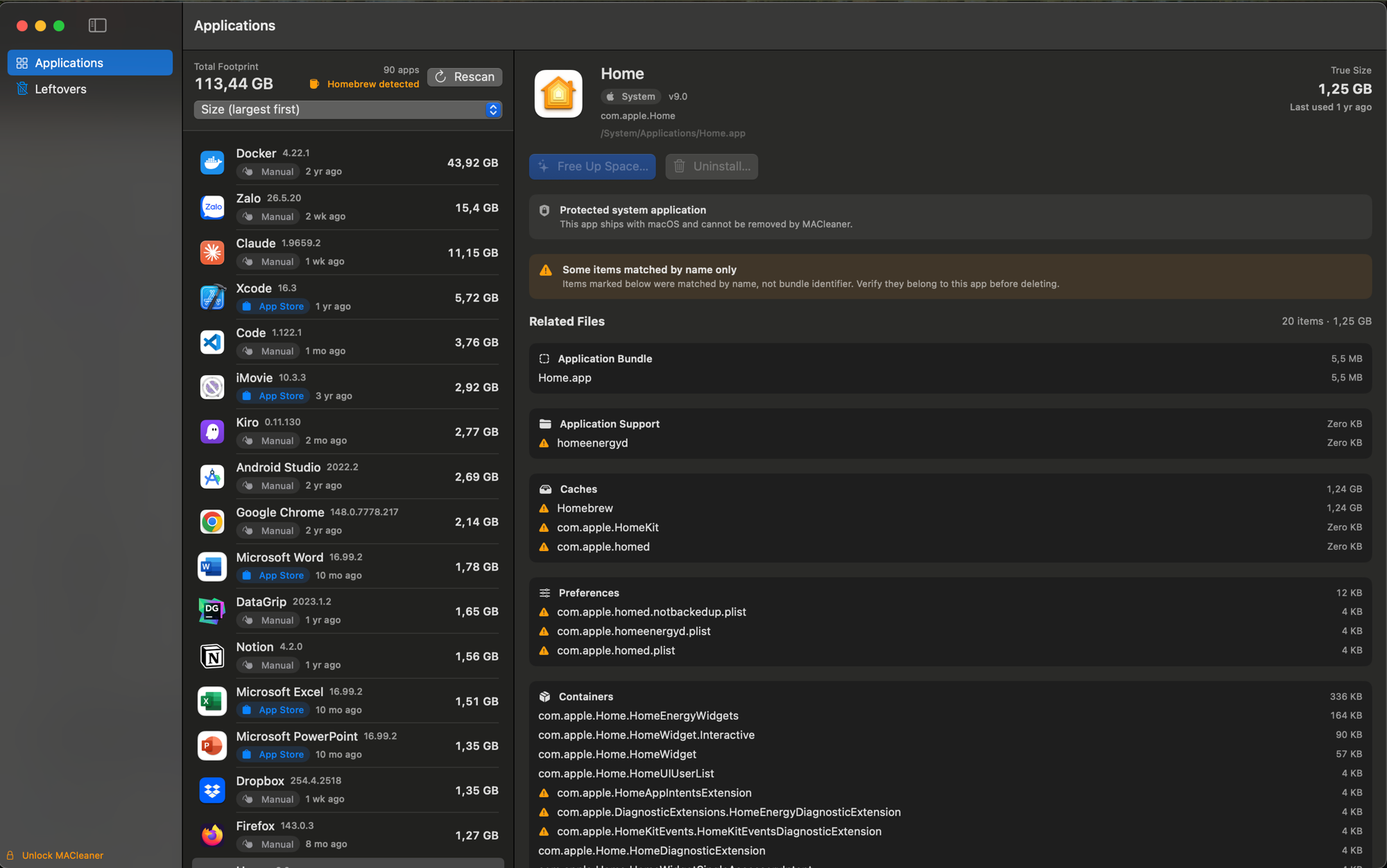
macOS shows you an app's bundle size — not the space it really uses. Dragging an app to the Trash leaves its caches, preferences, and containers scattered across your Library, so the storage never truly comes back.
MACleaner fixes that. It computes each app's true on-disk footprint and removes the app with all its leftovers in one reviewable step — and it can free up cache space without uninstalling, or sweep leftovers from apps you already deleted. It's native, fast, and fully offline: nothing leaves your Mac.
Three ways to reclaim space
Uninstall completely
Remove an app together with every scattered leftover in one reviewable step. MACleaner builds a removal plan — the bundle plus all related files (and a brew uninstall for Homebrew apps) — and deletes only the paths you confirm.
Free up space
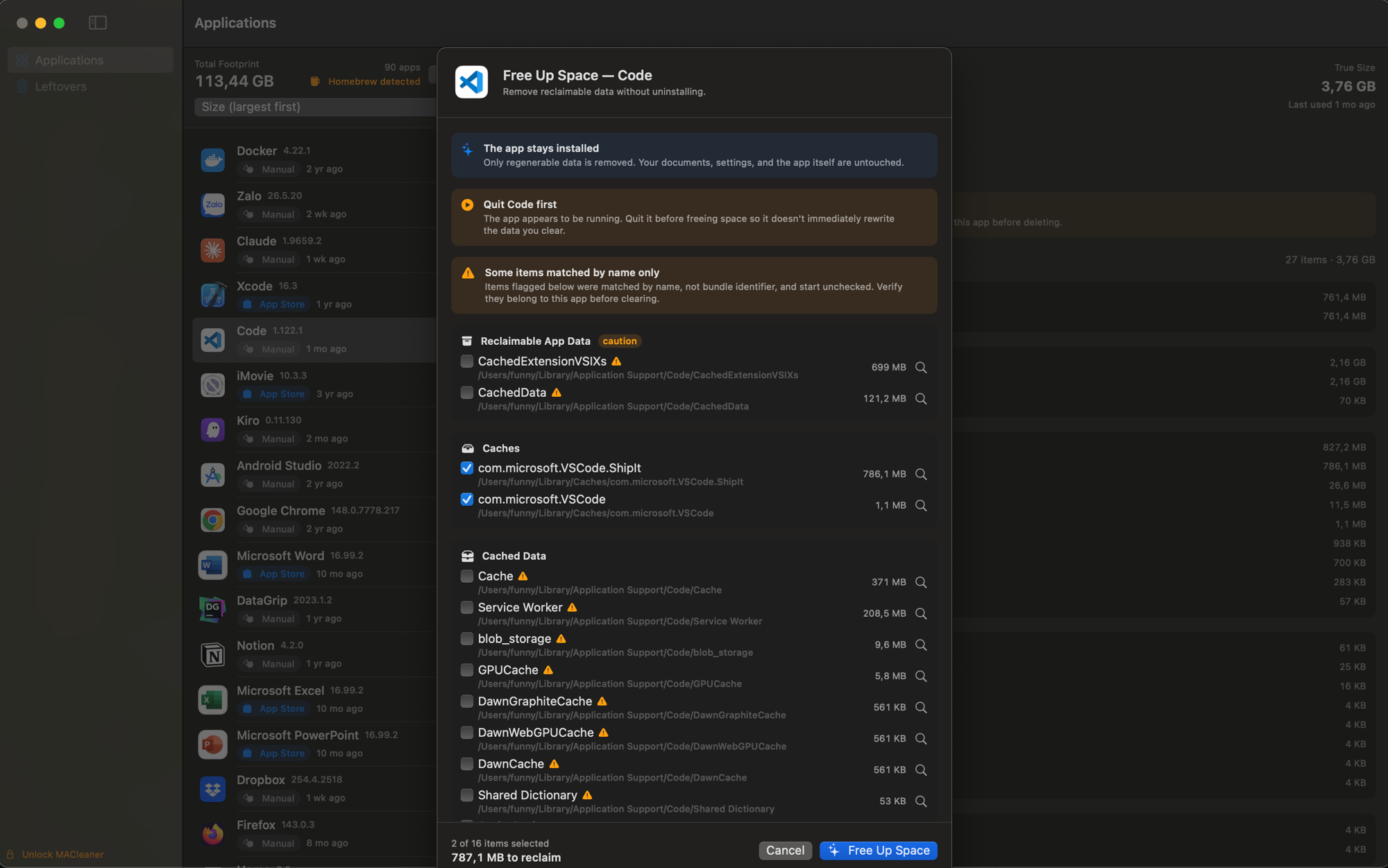
Reclaim regenerable caches from an app without uninstalling it. A deep-offload engine classifies the footprint into safe / caution / protected; your app, data, and settings are never touched.
Sweep leftovers
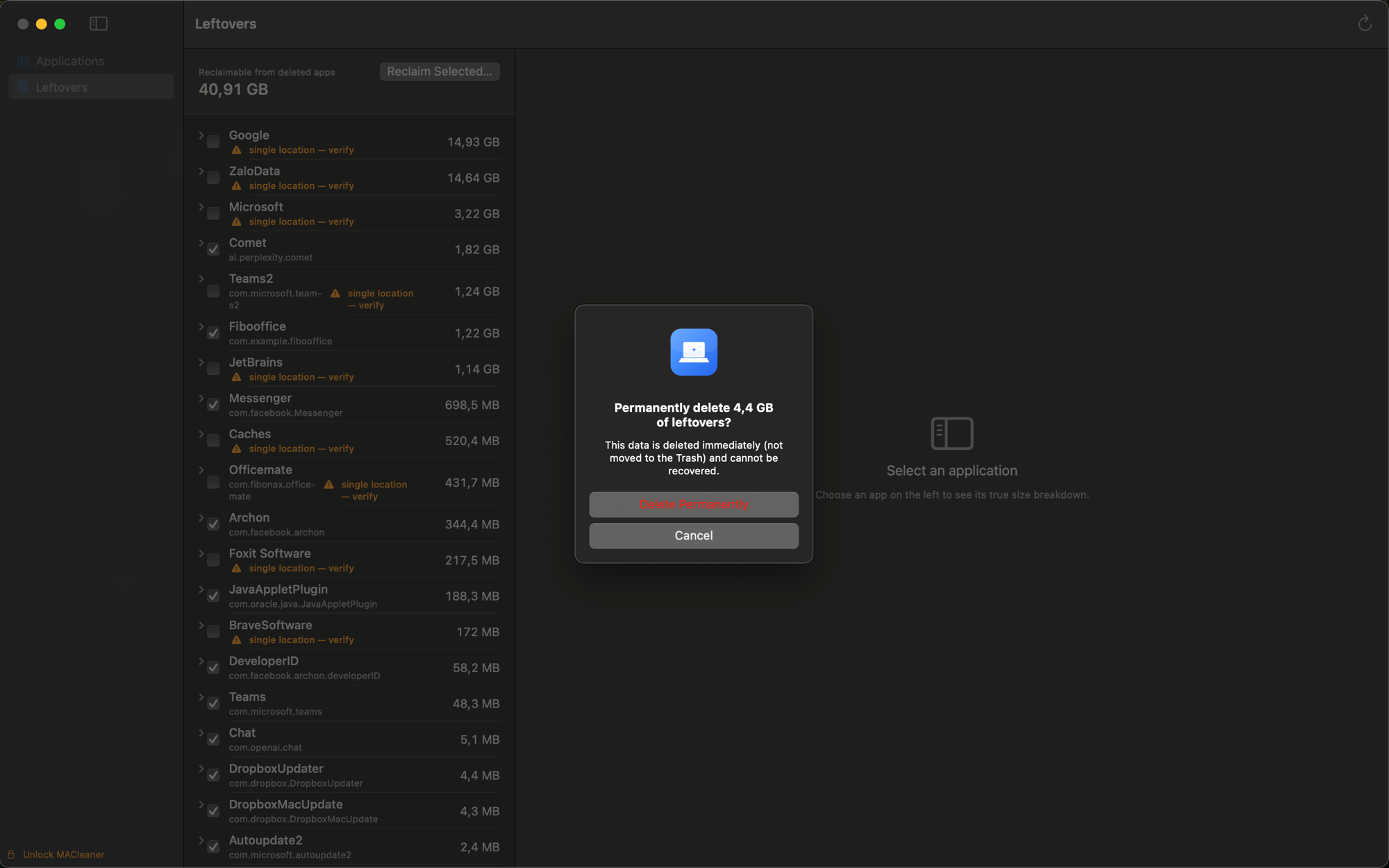
Find artifacts whose owning app is already gone — caches, preferences, containers, logs, and launch agents with no installed app — grouped by inferred owner and tiered by confidence so you can reclaim the space.
Features
- True on-disk size attribution — the .app bundle plus every scattered leftover across ~/Library, not just the bundle size
- Scans every installed app and detects its source: Mac App Store, Homebrew cask/formula, manual install, or system
- Reviewable plans — see and uncheck every file before anything is deleted
- Match-confidence flags surface risky name-only matches before deletion
- Drives Homebrew for brew-managed apps (brew uninstall runs first; if it fails, nothing is deleted)
- A single native admin prompt handles root-owned paths — no separate privileged helper to install
- System apps under /System are flagged and never eligible for deletion
- Scanning and size analysis are free — One-time purchase · lifetime license unlocks removal
Get MACleaner
One-time purchase · lifetime license. Requires macOS 14 (Sonoma) or later. Distributed as a Developer ID–signed, notarized download (not on the Mac App Store); needs Full Disk Access to fully attribute sizes and remove protected-location leftovers.
Screenshots
Safety
Uninstall is a permanent delete, not a move to Trash — so every removal goes through a review step where you can uncheck items, especially lower-confidence name-only matches, before you confirm. MACleaner deletes only the paths in the plan you reviewed; nothing is discovered or added at execute time.